
PRAXIS SCIENCE LAB / ANDROID
Mosaic — Publishing Materials
English listing, data inventory, graphics and release checks.
Preparation materials, not a submission or Google approval. Use these fields only for a verified release with the described functionality.
Download the English publishing kit (ZIP)
| Field | Prepared value / action |
|---|---|
| Title | Mosaic |
| Package | ro.mosaic.app |
| Reviewed version | 0.5.0 (5) |
| Publisher | Praxis Science Lab |
| Support email | traiananghel@gmail.com |
| Suggested category | Photography |
| App access | No login or restricted account access |
| Ads | No commercial ads configured in the signed release. Optional Google demo ad in the development APK only. UMP and export-banner integration require the owner’s AdMob identifiers and account settings. |
| Target audience and IARC | Answer from the real intended audience and final content. No age rating has been assigned here. |
| Health declaration | No health functionality in the reviewed scope; complete the form accurately |
English listing
Short description
Create photo collages with frames, stickers and individual photo adjustments.
Full description
Create collages with up to nine photos in Mosaic for Android 10 and later. Choose from eight layout families and adjust spacing, rounded corners and canvas proportions.
Adjust brightness, contrast and saturation for each photo. Reposition, zoom, rotate and mirror images. Add 11 decorative frames, 18 original vector stickers and editable text, with undo and redo.
Save named projects locally and return to your current draft. Export JPG or PNG without a watermark; JPG supports up to 3072 pixels on the longest edge. Share exports through Android.
The editor and export work offline. Newly imported originals stay privately on the device, while smaller previews keep editing responsive. English, Romanian and Spanish are available. No account is required.
Version 0.5.0 is in testing. Commercial ads are not configured. The development build includes an optional Google demo ad in Settings; the signed release does not expose that test button.
Data safety worksheet
Review the exact uploaded artifact and actual SDK initialization. Photos are processed locally. Enabling commercial advertising requires reviewing Google traffic, privacy choices and Play declarations; demo ads are not necessarily network-free.
Selected photos, text, collage settings, project thumbnails and language preferences remain in private app storage. Mosaic does not upload photos or collages to a developer-operated server. There is no app account or cloud backup.
Export writes an image to Pictures/Mosaic through MediaStore. Sharing sends the chosen export to the application selected by the user, which has its own practices.
Mosaic accesses selected photos through the Android document picker and exports images to the gallery. It does not request camera, microphone, contacts or precise location.
Google Mobile Ads Next-Gen 1.4.0 and Google UMP 4.0.0 are included. Commercial identifiers are unset and that flow is disabled in the signed 0.5.0 release. In the debug build, opening Test advertisement can contact Google. Demo ads generate no revenue but may process connection information, identifiers, interactions and diagnostics. Google policy: https://policies.google.com/privacy
Future commercial advertising will obtain applicable privacy choices through UMP before requests. Advertising privacy options appear in Settings when required. A banner is limited to export completion, without blocking editing or saving.
Media

Feature graphic — 1024 × 500 PNG

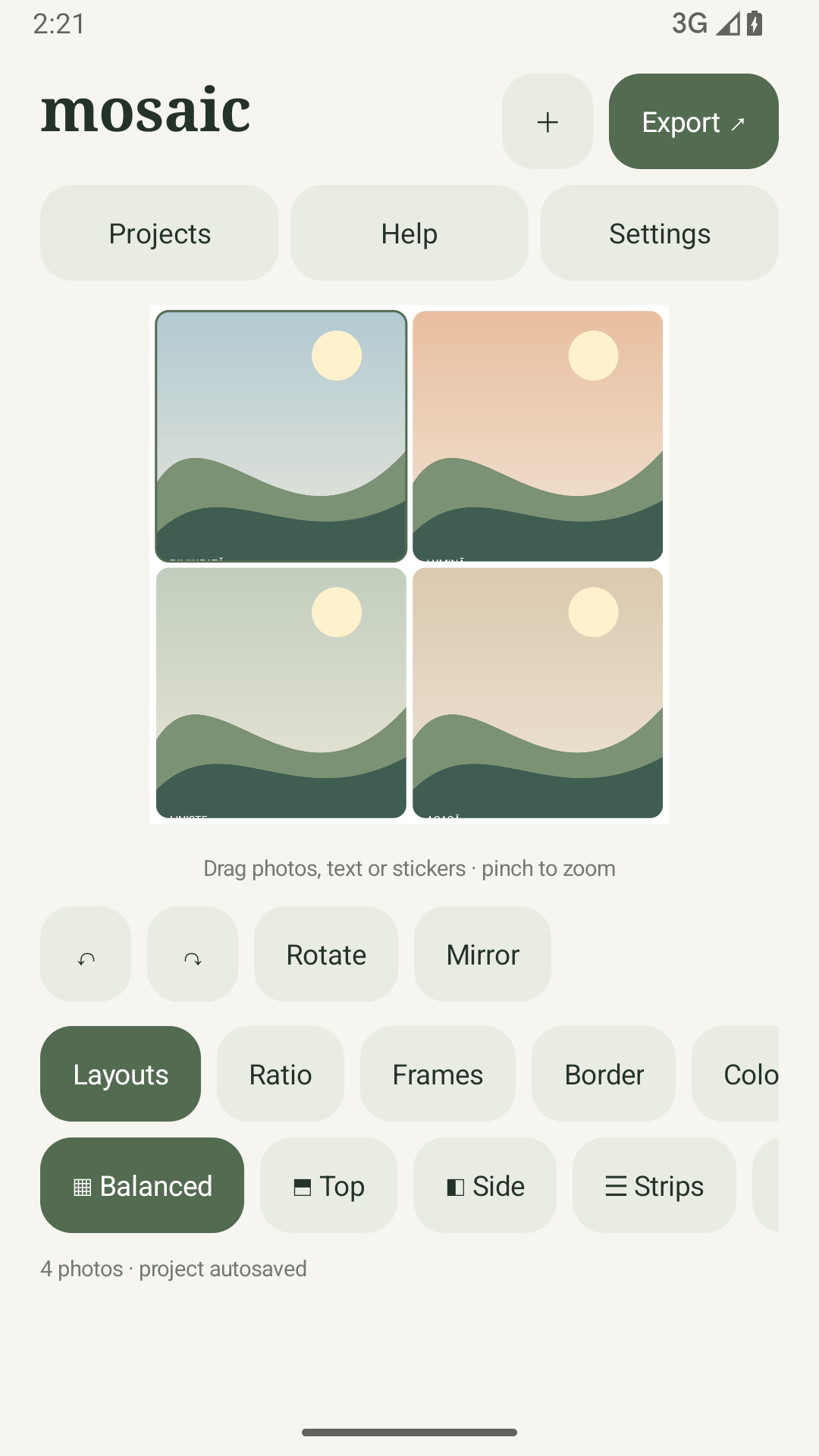
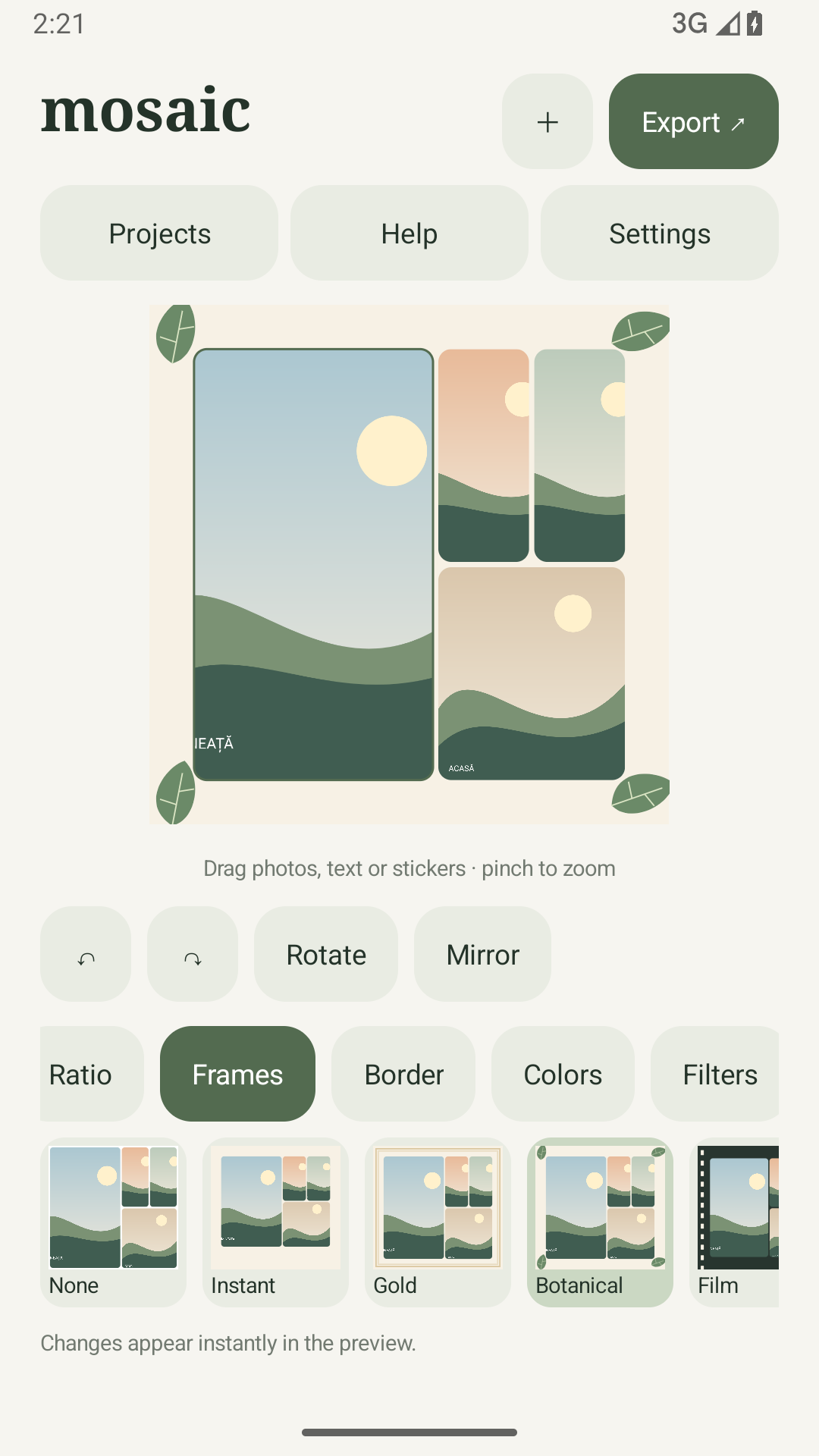
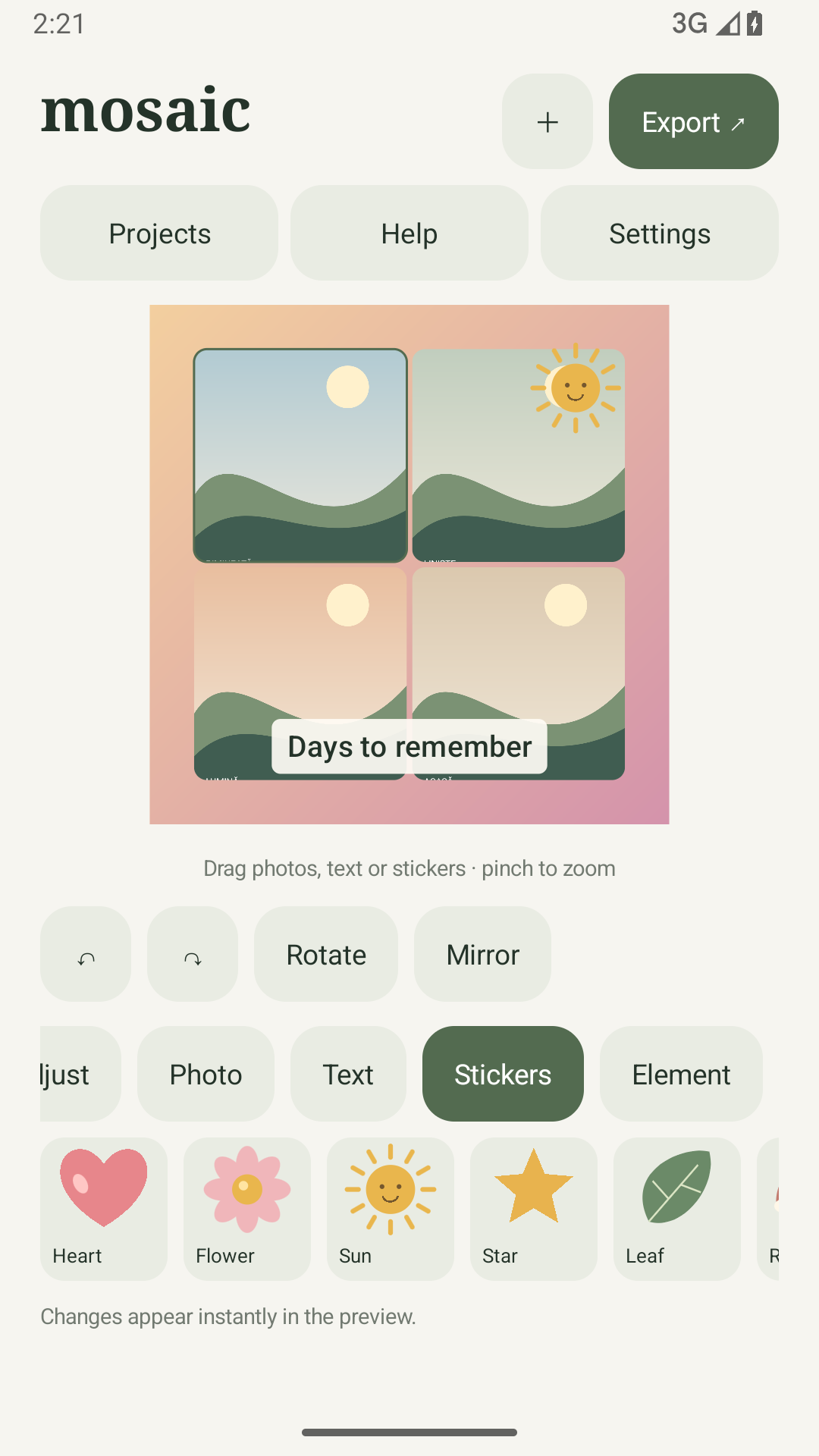
Capture at least two authentic screenshots from the final app. Do not use simulated screens, synthetic medical fixtures or old-brand captures. Screenshot language must reflect the actual app; English captions do not imply an English-only interface.
Actual Android test-build captures, prepared for listing review. Recheck against the final upload build.
Remaining release checks
- Connect AdMob, configure real identifiers and UMP messages, and verify privacy choices using test devices.
- Complete audience, content rating, Data safety and account-specific testing requirements in Play Console.
- Run the Play pre-launch report and representative physical-device testing before production rollout.