
PRAXIS SCIENCE LAB / ANDROID
Atomic Clock — Publishing Materials
English listing, data inventory, graphics and release checks.
Preparation materials, not a submission or Google approval. Use these fields only for a verified release with the described functionality.
Download the English publishing kit (ZIP)
| Field | Prepared value / action |
|---|---|
| Title | Atomic Clock |
| Package | app.physlab.ceas_atomic |
| Reviewed version | 1.0.0 (1) |
| Publisher | Praxis Science Lab |
| Support email | traiananghel@gmail.com |
| Suggested category | Tools |
| App access | No login or restricted account access |
| Ads | No advertising found in reviewed app dependencies |
| Target audience and IARC | Answer from the real intended audience and final content. No age rating has been assigned here. |
| Health declaration | No health functionality in the reviewed scope; complete the form accurately |
English listing
Short description
Check network time, compare time zones and use a stopwatch or countdown.
Full description
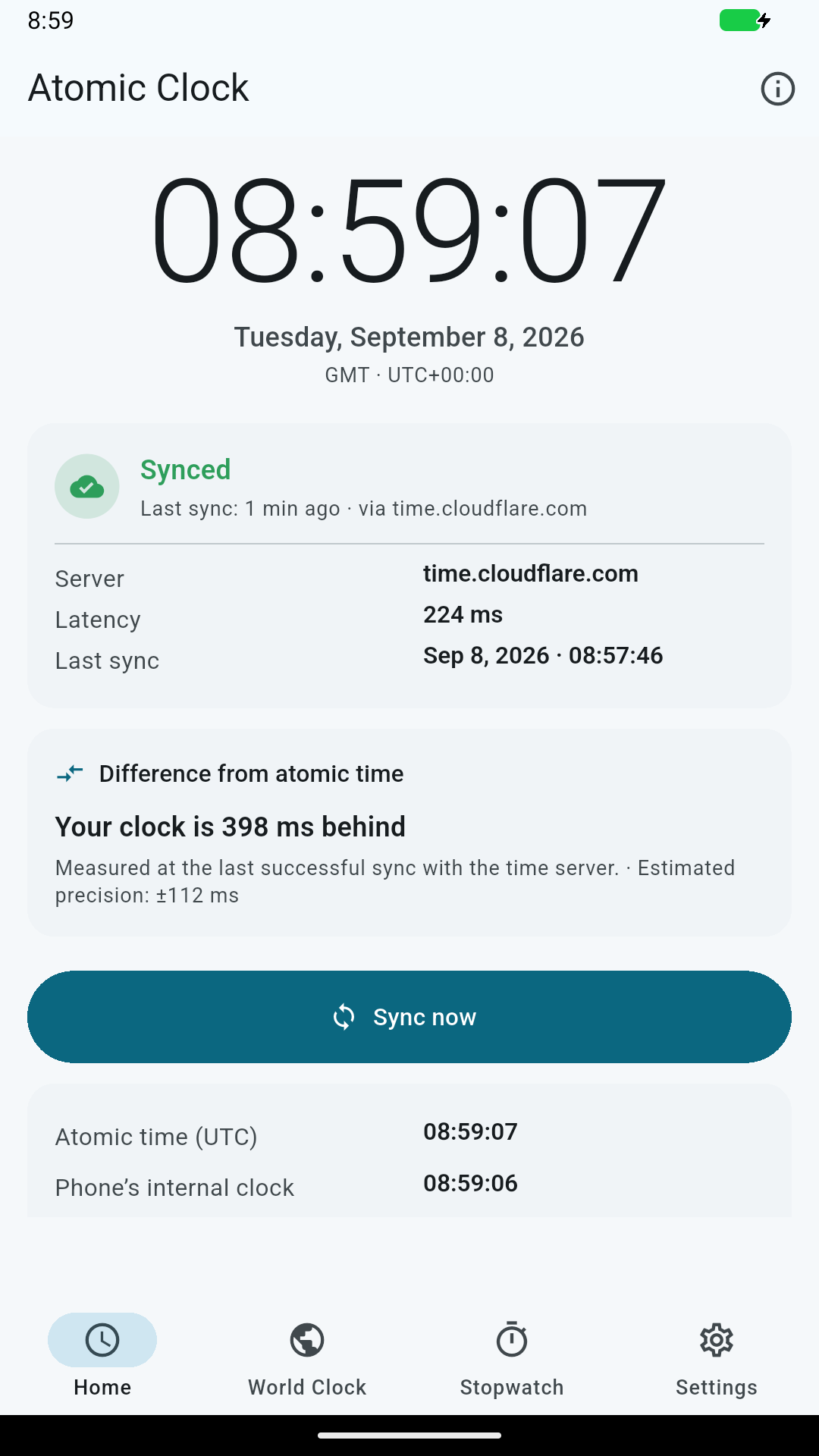
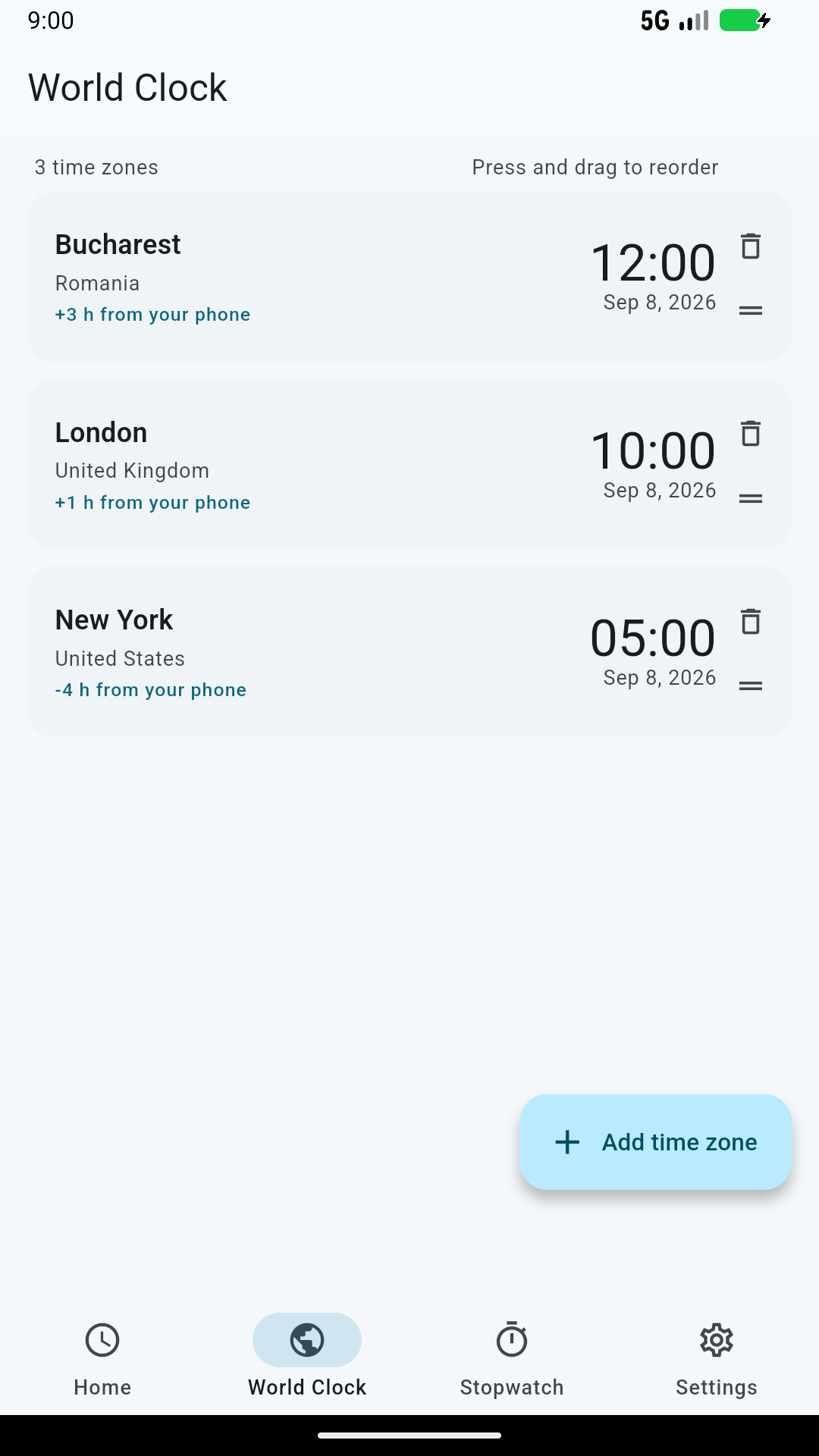
Compare your device clock with network time. Atomic Clock queries time servers using NTP and can use an HTTPS fallback when configured. View synchronization status and the measured clock offset, choose time zones, and use a stopwatch or countdown.
Select a time server, adjust synchronization settings and choose a 12-hour or 24-hour display. English, Romanian and Spanish are available.
Synchronization needs an Internet connection. Displayed accuracy depends on the server, network and device. This is a general time utility, not a certified time reference. Published by Praxis Science Lab.
Data safety worksheet
Not finalized: network time providers receive IP/request information. Determine the applicable data categories, purposes, retention and sharing treatment with provider evidence. Do not assume that processing is ephemeral or that all transfers are encrypted.
Server choice, synchronization settings, the last synchronization result and selected time zones are stored on your device. To synchronize, the app sends network time requests to the selected server and configured fallbacks. Recipients see your source IP address, request timing and protocol information. The HTTPS fallback also sends an app-identifying User-Agent. The app does not create an account or send a location-sensor reading, and has no advertising or analytics SDK.
Internet access is used for NTP and optional HTTPS synchronization. The default server is time.cloudflare.com. Fallbacks include NTP Pool hosts; Google Time, Apple Time and a custom host can also be selected. If a server fails, other configured providers may be contacted. NTP uses UDP and is not encrypted. The Cloudflare HTTPS fallback uses encrypted transport. Server operators process connection information under their own policies; a custom server is controlled by its operator.
Media
Feature graphic — 1024 × 500 PNG
Capture at least two authentic screenshots from the final app. Do not use simulated screens, synthetic medical fixtures or old-brand captures. Screenshot language must reflect the actual app; English captions do not imply an English-only interface.
Actual Android test-build captures, prepared for listing review. Recheck against the final upload build.
Remaining release checks
- Data safety needs provider-level review of IP/request processing and retention. Do not submit an unqualified no-data-collected answer.
- NTP traffic is unencrypted: do not declare all transmitted data encrypted.
- Recheck the prepared screenshots against the final signed AAB and verify native libraries and physical-device behavior.